- Little Willie camera — Correct the camera behavior in the Little Willie helicopter.
- Garages — Fix saved cars disappearing from garages.
- Ultrawide — Support ultrawide display ratios.
- HUD scale — Adjust HUD and radar scaling in the INI file.
- Dual analog controls — Enable right-stick support.
- Controls — Enable the modern control scheme.
- 60 FPS — Optional 60 FPS mode with mission fixes.
- Loading — Temporarily unthrottle the emulator during loading.
- Skip intro — Skip startup intros with
SkipIntro. - Gamepad icons — The separate Gamepad Icons plugin offers Xbox, PlayStation, Nintendo Switch, and Steam Deck icon styles.
- Aspect ratio — Correct scaling on ultrawide displays.
- Field of view — Adjust the field of view for widescreen.
- HUD — Correct HUD scaling on ultrawide displays.
- PC controls — Enable PC controls (beta, experimental).
- Controls — Enable the modern control scheme.
- Loading — Temporarily unthrottle the emulator during loading screens.
- PC cheats — Enable keyboard cheats. Beta, experimental.
- Skip intro — Skip startup intros with
SkipIntro.
- HUD scale — Adjust HUD and radar scaling in the INI file.
- Dual analog controls — Enable right-stick support.
- Vehicle controls —
ModernControlSchemeswaps L/Square and R/Cross in vehicles; swap buttons and triggers in PPSSPP for trigger-based driving. - 60 FPS — Optional 60 FPS mode.
- Loading — Temporarily unthrottle the emulator during loading screens.
- Skip intro — Skip startup intros with
SkipIntro.
- Aspect ratio — Correct scaling on ultrawide displays.
- Field of view — Adjust the field of view for widescreen.
- Skip intro — Skip startup intros.
- HUD — Not corrected by this fix (Ultrawide).
- Videos — Not corrected by this fix.
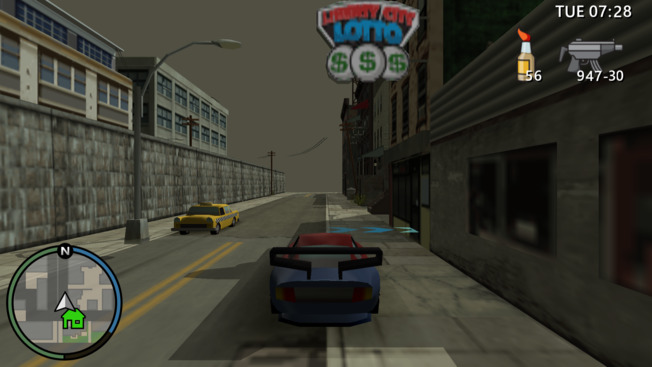
- Vehicle controls — Swap R-button/Cross and L-button/Square in vehicles. Use the emulator settings to swap these buttons with triggers and drive using triggers.
- On-foot controls — Swap R-button/Circle on foot. Requires
SwapDrivingControls. - Third-person camera — Enable a third-person camera. Press DPAD-RIGHT to switch between cameras. Use the Right Stick to adjust position and angle. The original cinematic camera will be disabled.
- Radio — Enable the radio in emergency vehicles.
- Loading — Temporarily unthrottle the emulator during loading screens.
- Xin missions — Unlock Xin missions in the replay board. The INI warns that this can cause bugs; use it after completing the other missions.
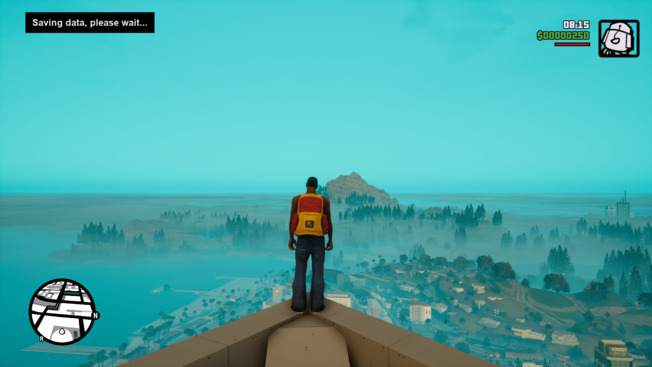
- Skip intro — Skip startup intros.
- Skip menu — Skip the startup menu.
- Quicksave — Press F5 to save to the configured save slot.
- HUD scale — Adjust HUD and radar scaling in the INI file.
- Mouse camera — Corrected mouse camera movement.
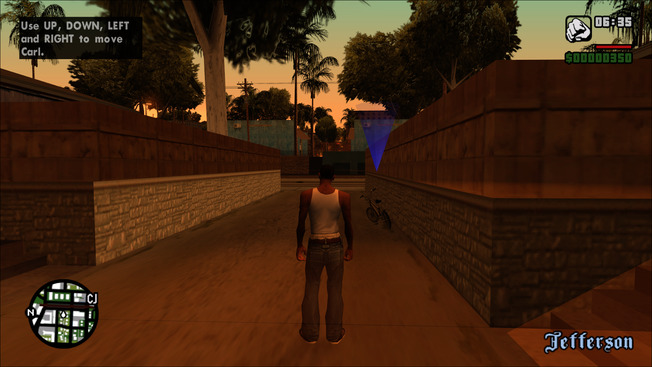

- Resolution — unlocks all resolutions in Advanced Display Options, including ultrawide
- Aspect Ratio — corrected for all rendered elements
- HUD — Reposition and scale the HUD for the active aspect ratio, with configurable width and height scaling for the HUD, radar and subtitles, plus proportional weapon icons.
- Field of View — corrected for widescreen
- Cutscenes — FOV and letterboxing adjust properly with the aspect ratio
- Sky — the sky no longer distorts in widescreen
- In-Game Options — a Cutscene Borders mode (off, letterbox, pillarbox, or both) and the Frame Limiter option turned into a full FPS selector (off, 30 up to 240 FPS), both available right in the Display menu
- Proportional Weapon Icon — weapon icon scales proportionally with the HUD
- Transparent Menu — makes the menu background transparent with a blur
- Xbox 360 Gamma — a custom gamma curve that produces a higher-contrast image with deeper colors, similar to GTA IV on the Xbox 360
- AA Artifact Fix — hides the 1px lines at the top and left of the screen caused by MSAA
- SMAA — enhanced subpixel morphological antialiasing as a post-processing effect
- Alt-Tab Without Pausing — game keeps running when focus is lost in windowed mode
- Crosshair Fix — disables the small white dot shown while aiming with some weapons
- Text Outline — replaces text shadows with an outline
- VCS Camera Shake — enables GTA: Vice City Stories style camera shake in vehicles at high speed
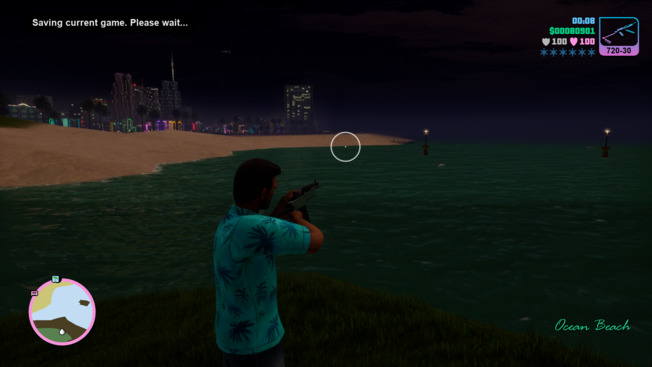
- Skip intro — Skip startup intros.
- Skip menu — Skip the startup menu.
- Quicksave — Press F5 to save to the configured save slot.
- HUD scale — Adjust HUD and radar scaling in the INI file.
- Mouse camera — Corrected mouse camera movement.
- Rifle aiming — Optionally disable first-person aiming for rifles.
- Resolution — native support for any display resolution, including ultrawide
- Aspect Ratio — corrected for all rendered elements
- HUD — repositioned and scaled to match the active aspect ratio; optional constraint (16:9, 21:9, or custom); configurable scale for HUD, radar and subtitles
- Field of View — corrected for widescreen
- Cutscenes — FOV and letterboxing adjust properly with the aspect ratio
- In-Game Options — a Cutscene Borders mode (off, letterbox, pillarbox, or both) and a Frame Limiter selector (off, 30 up to 240 FPS) are available right in the Display menu
- No Island Loading — loads all island data at once, removing the loading screen between islands
- Seamless Interiors — no loading screen when entering interiors, making transitions instant
- Forced MSAA — enables antialiasing at any supported level
- AA Artifact Fix — hides the 1px lines at the top and left of the screen caused by MSAA
- SMAA — enhanced subpixel morphological antialiasing as a post-processing effect
- Xbox 360 Gamma — a custom gamma curve that produces a higher-contrast image with deeper colors, similar to GTA IV on the Xbox 360
- Transparent Menu — makes the menu background transparent with a blur
- Speed Sensitive FOV — FOV increases with car speed
- VCS Camera Shake — enables GTA: Vice City Stories style camera shake in vehicles at high speed
- Text Outline — replaces text shadows with an outline
- Skip intro — Skip startup intros.
- Skip menu — Skip the startup menu.
- Quicksave — Press F5 to save to the configured save slot.
- HUD scale — Adjust HUD and radar scaling in the INI file.
- Mouse camera — Corrected mouse camera movement.
- Rifle aiming — Optionally disable first-person aiming for rifles.
- Aspect Ratio — corrected for all rendered elements
- HUD — repositioned and scaled to match the active aspect ratio; optional constraint (16:9, 21:9, or custom); configurable scale for HUD, radar and subtitles
- Field of View — corrected for widescreen
- Cutscenes — FOV and letterboxing adjust properly with the aspect ratio
- In-Game Options — a Cutscene Borders mode (off, letterbox, pillarbox, or both) and a Frame Limiter selector (off, 30 up to 240 FPS) are available right in the Display menu (Warning: Widescreen Fix does not fix any high fps related issues)
- No Island Loading — loads all island data at once, removing the loading screen between islands
- Zone Cull Fix — disables zone culling so objects stop disappearing
- Forced MSAA — enables antialiasing at any supported level
- AA Artifact Fix — hides the 1px lines at the top and left of the screen caused by MSAA
- SMAA — enhanced subpixel morphological antialiasing as a post-processing effect
- Xbox 360 Gamma — a custom gamma curve that produces a higher-contrast image with deeper colors, similar to GTA IV on the Xbox 360
- Transparent Menu — makes the menu background transparent with a blur
- Speed Sensitive FOV — FOV increases with car speed
- VCS Camera Shake — enables GTA: Vice City Stories style camera shake in vehicles at high speed
- Text Outline — replaces text shadows with an outline
- Resolution — Set the output resolution with
ResXandResYin the INI file. - HUD — Correct HUD scaling for widescreen.
- Field of view — Adjust the field of view for widescreen.
- Quicksave — Save with a configurable hotkey.
- Resolution — Set the output resolution with
ResXandResYin the INI file.
- Aspect ratio — Correct widescreen aspect ratio scaling.
- HUD — Correct HUD scaling for widescreen.
- Field of view — Adjust the field of view for widescreen. Adjust the FOV multiplier in the INI file.
- Videos — Correct FMV scaling for widescreen.
- Graphic novels — Toggle fullscreen pages with F2 by default; playback controls appear at the bottom when the mouse is there, and keyboard navigation is supported.
- Cutscene borders — Preserve original in-engine cutscene framing at any aspect ratio; choose sliding letterbox borders, pillarbox borders, both, or none.
- Startup save — Automatically load a selected, most recent, or last-used save on startup.
- Save location — Store saves in a
savegamesfolder inside the game directory. - Background play — Keep the game running when minimized.
- Xbox 360 Gamma — Optional higher-contrast gamma curve similar to GTA IV on Xbox 360; requires d3d8to9, enabled by the bundled dxwrapper.
- SMAA — Optional post-processing antialiasing; requires d3d8to9 and disables itself when MSAA is used.
- VSync — Disable the VSync forced by fullscreen mode; the dxwrapper frame rate limit still applies.
- Settings file — Store game settings in settings.ini beside the savegames instead of the registry; existing registry settings are imported on first use.
- Mouse smoothing — Optionally disable mouse smoothing.
- Adaptive difficulty — Fix Fugitive difficulty tracking across reloads so deaths, health and play time can lower the difficulty again.
- Aspect ratio — Correct widescreen aspect ratio scaling.
- HUD — Correct HUD scaling for widescreen.
- Field of view — Adjust the field of view for widescreen. Adjust the FOV multiplier in the INI file.
- Videos — Correct FMV scaling for widescreen.
- Graphic novels — Toggle fullscreen pages with F2 by default; playback controls appear at the bottom when the mouse is there, and keyboard navigation is supported.
- Cutscene borders — Preserve original in-engine cutscene framing at any aspect ratio; choose sliding letterbox borders, pillarbox borders, both, or none.
- Startup save — Automatically load a selected, most recent, or last-used save on startup.
- Save location — Store saves in a
savegamesfolder inside the game directory. - Background play — Keep the game running when minimized.
- Xbox 360 Gamma — Optional higher-contrast gamma curve similar to GTA IV on Xbox 360; requires d3d8to9, enabled by the bundled dxwrapper.
- SMAA — Optional post-processing antialiasing; requires d3d8to9 and disables itself when MSAA is used.
- VSync — Disable the VSync forced by fullscreen mode; the dxwrapper frame rate limit still applies.
- Settings file — Store game settings in settings.ini beside the savegames instead of the registry; existing registry settings are imported on first use.
- Mouse smoothing — Optionally disable mouse smoothing.
- BorderlessWindowed — scroll through SETTINGS -> GRAPHICS -> FULLSCREEN to switch between windowed and borderless modes
- GamepadIcons — scroll through SETTINGS -> CONTROLS -> GAMEPAD -> CONFIGURATION to select various controller icon styles (Xbox 360, Xbox One, PS3, PS4, PS5, Nintendo Switch, Steam Deck, Steam Controller)
- SkipIntro — added an option to skip intro
- HideSkipButton — added an option to hide skip in cutscenes
- DisableGlobalLeaderboards — prevents Hoboken Alleys coop map from crashing the game
- OutlinesSizeMultiplier — added an option to increase the size of subtitle text outlines
- DisableDeviceChangeEvent — fixes an issue when the game randomly enters pause menu
- LightSyncRGB — only Logitech hardware is supported, requires Logitech G HUB app
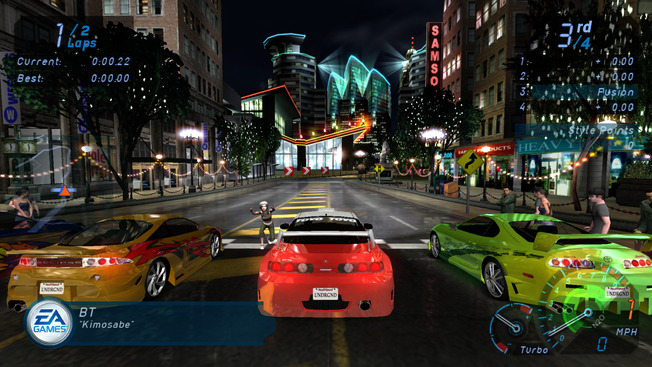
- Resolution — native support for any display resolution, including ultrawide
- Aspect Ratio — corrected for all rendered elements
- HUD — repositioned and scaled to match the active aspect ratio; optional constraint (16:9, 21:9, or custom)
- Field of View — corrected for widescreen; optional mathematically accurate hor+ scaling
- FMVs — fullscreen display for 16:9 with crop or stretch mode; auto-fit scaling for narrower ratios
- Magazine covers — Fix the black background in magazine cover screens.
- Skip Intro — bypass startup FMVs
- Windowed Mode — borderless, bordered, resizable, or borderless fullscreen
- FPS Limit — uncapped, fixed value, or synced to monitor refresh rate (including 2×)
- Gamepad Support — Xbox or PlayStation icons, fixed front-end bindings
- Analog Deadzones — configurable left and right stick deadzones
- Custom Save Directory — redirect user files to any subfolder in game directory
- Hide Debug Objects — removes debug UI that is only visible in widescreen
- Audio Sample Rate — override the game's default 44100 Hz if needed
- Console Gamma — a custom gamma curve that creates a more contrasted image with deeper colors, similar to how GTA IV looked on the Xbox 360
- SMAA — enhanced subpixel morphological antialiasing as a post-processing effect
- AA Artifact Fix — hides the 1px lines at the top and left of the screen caused by MSAA
- Mouse/Stick Look — fully functional free-look with adjustable sensitivity for both mouse and right stick. Reset timeout, return speed, and vertical axis inversion are all configurable in the ini file.
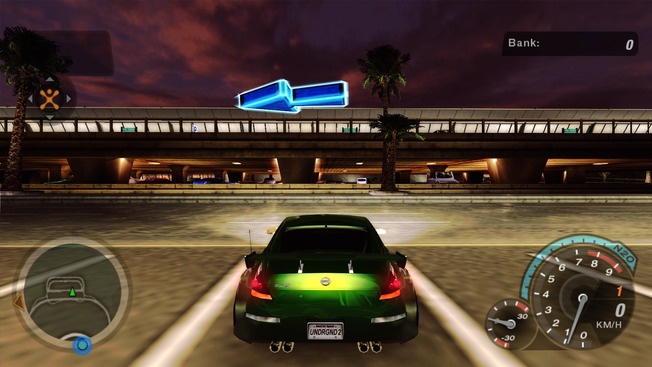
- Resolution — native support for any display resolution, including ultrawide
- Aspect Ratio — corrected for all rendered elements
- HUD — repositioned and scaled to match the active aspect ratio; optional constraint (16:9, 21:9, or custom)
- Field of View — corrected for widescreen; optional mathematically accurate hor+ scaling
- FMVs — fullscreen display for 16:9 with crop or stretch mode; auto-fit scaling for narrower ratios
- Cutscene Borders — removes the letterboxing that appears during cutscenes
- Skip Intro — bypass startup FMVs
- Windowed Mode — borderless, bordered, resizable, or borderless fullscreen
- FPS Limit — uncapped, fixed value, or synced to monitor refresh rate (including 2×)
- High FPS Cutscenes — raises the cutscene frame rate limit to the nearest multiple of 30
- Gamepad Support — Xbox, PlayStation, or PC text labels, with fixed front-end bindings
- Analog Deadzones — configurable left and right stick deadzones
- Custom Save Directory — redirect user files to any subfolder in the game directory
- Registry-Free Settings — optionally saves all game settings to
settings.iniinstead of the registry - Single Core Affinity — prevents crashes on modern multi-core CPUs
- No Optical Drive — allows the game to run without a disc present
- Audio Sample Rate — override the game's default 44100 Hz if needed
- Rain Droplet Scale — adjusts the size of on-screen rain droplets
- Console Gamma — a custom gamma curve that creates a more contrasted image with deeper colors, similar to how GTA IV looked on the Xbox 360
- SMAA — enhanced subpixel morphological antialiasing as a post-processing effect
- AA Artifact Fix — hides the 1px lines at the top and left of the screen caused by MSAA
- Mouse/Stick Look — fully functional free-look with adjustable sensitivity for both mouse and right stick. Reset timeout, return speed, and vertical axis inversion are all configurable in the
.inifile.
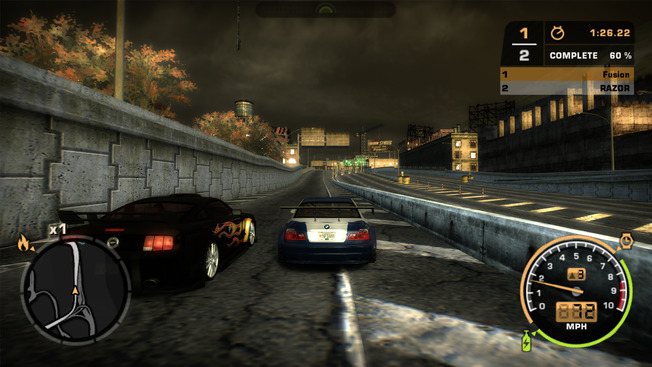
- Resolution — native support for any display resolution, including ultrawide
- Aspect Ratio — corrected for all rendered elements
- HUD — repositioned and scaled to match the active aspect ratio; optional constraint (16:9, 21:9, or custom); configurable UI scale and auto-fit mode
- Field of View — corrected for widescreen; optional Xbox 360 or mathematically correct hor+ scaling
- FMVs — fullscreen display for 16:9 with crop or stretch mode; auto-fit scaling for narrower ratios
- Skip Intro — bypass startup FMVs
- Windowed Mode — borderless, bordered, resizable, or borderless fullscreen
- FPS / Sim Rate — configurable simulation refresh rate; sync to monitor refresh rate or double it
- Gamepad Support — Xbox, PlayStation, or no-icon text labels, with fixed front-end bindings
- Analog Deadzones — configurable left and right stick deadzones
- Shadow Resolution — configurable dynamic shadow resolution (1024 / 2048 / up to 16384)
- Shadow Fixes — prevents shadows from disappearing in tunnels and under bridges; improved shadow LOD; auto-scaling based on aspect ratio
- Shadow Map Format — choose between D24S8, INTZ, DF16, DF24, or forced sharp shadows
- Custom Save Directory — redirect user files to any subfolder in the game directory
- Registry-Free Settings — optionally saves all game settings to
settings.iniinstead of the registry - No Optical Drive — allows the game to run without a disc present (carried over from old fix)
- High Spec Audio — forces 44100 Hz sample rate regardless of registry settings
- Rain Droplet Scale — adjusts the size of on-screen rain droplets
- Console Gamma — a custom gamma curve that produces a higher-contrast image with deeper colors (similar to the Xbox 360 versions of some games) and lets you select a matching gamma preset from the Xbox 360 version of NFS MW
- SMAA — enhanced subpixel morphological antialiasing as a post-processing effect
- Force GPU Vendor — override the detected GPU vendor ID to affect renderer and video options behavior
- Light Streaks — re-enables the leftover light trail effect from Underground 2
- Bleach Bypass — re-enables the leftover enhanced contrast effect from Underground 2 (experimental)
- AA Artifact Fix — hides the 1px lines at the top and left of the screen caused by MSAA
- Mouse/Stick Look — fully functional free-look with adjustable sensitivity for both mouse and right stick. Reset timeout, return speed, and vertical axis inversion are all configurable in the
.inifile.
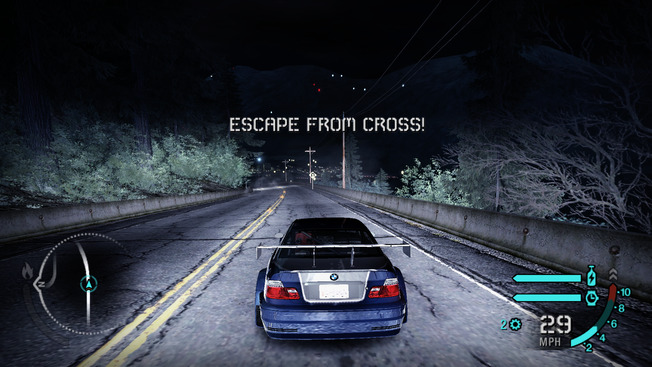
- Resolution — native support for any display resolution, including ultrawide
- Aspect Ratio — corrected for all rendered elements
- HUD — repositioned and scaled to match the active aspect ratio; optional constraint (16:9, 21:9, or custom); configurable UI scale and auto-fit mode
- Field of View — corrected for widescreen; optional Xbox 360 or mathematically correct hor+ scaling
- FMVs — fullscreen display for 16:9 with crop or stretch mode; auto-fit scaling for narrower ratios
- Lighting — adjusted to match the Xbox 360 version
- Car Shadows — opacity reduced to match the Xbox 360 version
- Xenon Effects — fixed alpha blending state for sparks and contrails
- Skip Intro — bypass startup FMVs
- Windowed Mode — borderless, bordered, resizable, or borderless fullscreen
- FPS / Sim Rate — configurable simulation refresh rate; sync to monitor refresh rate or double it
- Crash Fix — solves a crash that sometimes occurs after loading a profile
- Gamepad Support — Xbox, PlayStation, or no-icon text labels, with fixed front-end bindings
- Expanded Controller Options — lists all 29 options in the controller config menu
- Analog Deadzones — configurable left and right stick deadzones
- Custom Save Directory — redirect user files to any subfolder in the game directory
- Registry-Free Settings — optionally saves all game settings to
settings.iniinstead of the registry - Rain Droplet Scale — adjusts the size of on-screen rain droplets
- Motion Blur Toggle — disable motion blur without losing other effects such as screen flashes or light trails
- Disable Contrails — disables the wind effect behind the car
- Console Gamma — a custom gamma curve that creates a more contrasted image with deeper colors, similar to how GTA IV looked on the Xbox 360
- SMAA — enhanced subpixel morphological antialiasing as a post-processing effect
- AA Artifact Fix — hides the 1px lines at the top and left of the screen caused by MSAA
- Mouse/Stick Look — fully functional free-look with adjustable sensitivity for both mouse and right stick. Reset timeout, return speed, and vertical axis inversion are all configurable in the
.inifile.
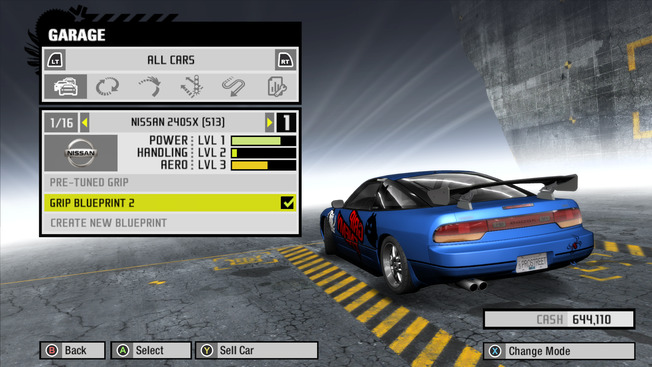
- Aspect Ratio — corrected for all rendered elements, including ultrawide
- HUD — repositioned and scaled to match the active aspect ratio; optional constraint (16:9, 21:9, or custom); configurable UI scale and auto-fit mode
- Field of View — corrected for widescreen; optional Xbox 360 or mathematically correct hor+ scaling
- FMVs — fullscreen display with crop or stretch mode; auto-fit scaling for narrower ratios
- Brake Lights — fixes brake lights only activating when ABS was active
- Gamma — fixes wrong brightness value being applied on launch
- Xenon Effects — fixes alpha blending state for sparks
- Post-Race Fix — prevents the post-race screen from getting stuck on the Continue button
- TrackStreamer Crash Fix — adds memory checks to prevent crashes during track streaming
- FE Script Crash Fix — adds memory checks for
FE::Object::SetScript - Damage Memory Leak Fix — fixes a memory leak in damage memory pools; improves stability during long sessions
- Disable Achievements — disables the unused PC achievement system; improves stability
- Disable PunkBuster — disables PunkBuster anti-cheat; improves stability
- Windows 11 LAN Fix — fixes LAN mode on Windows 11 and newer
- Disable Booster Pack Thanks — skips the DLC thanks screen on new profiles
- Skip Intro — bypass startup FMVs
- Windowed Mode — borderless, bordered, resizable, or borderless fullscreen
- FPS / Sim Rate — unlocks the frame rate; configurable simulation refresh rate; sync to monitor refresh rate or double it
- Resolution Detection — adds auto-detection for the in-game video options menu
- Analog Deadzones — configurable left and right stick deadzones
- Custom Save Directory — redirect user files to any subfolder in the game directory
- Registry-Free Settings — optionally saves all game settings to
settings.iniinstead of the registry - Shadow Resolution — configurable dynamic shadow resolution
- Motion Blur Toggle — disable motion blur without affecting the World FX setting
- Console Gamma — a custom gamma curve that creates a more contrasted image with deeper colors, similar to how GTA IV looked on the Xbox 360
- AA Artifact Fix — hides the 1px lines at the top and left of the screen caused by MSAA
- Force FE Mode — override the UI aspect ratio mode between widescreen and non-widescreen
- Mouse/Stick Look — fully functional free-look with adjustable sensitivity for both mouse and right stick. Reset timeout, return speed, and vertical axis inversion are all configurable in the
.inifile.
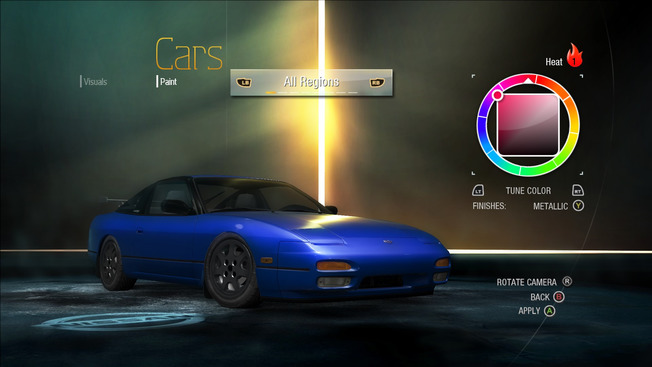
- Resolution — adds all resolutions in video options menu
- HUD — repositioned and scaled to match the active aspect ratio
- Skip Intro — bypass startup FMVs
- Windowed Mode — borderless, bordered, resizable, or borderless fullscreen
- FPS / Sim Rate — configurable simulation refresh rate; sync to monitor refresh rate or double it
- Gamepad Support — Xbox, PlayStation, or no-icon text labels, with fixed front-end bindings
- Analog Deadzones — configurable left and right stick deadzones
- Custom Save Directory — redirect user files to any subfolder in the game directory
- Registry-Free Settings — optionally saves all game settings to
settings.iniinstead of the registry - Shadow Resolution — configurable dynamic shadow resolution (up to 16384; default 8192)
- CSM Scale — configurable cascade shadow map scale and per-cascade draw distances (near / mid / far)
- Bloom Intensity — adjustable bloom effect intensity
- Motion Blur Toggle — disable motion blur without affecting the World FX setting
- Improve Scenery LOD — increases visible scenery in the closest map section
- Disable Preculler — disables precalculated culling
- Bruteforce Culling — forces bruteforced culling type to reduce culled scenery
- Console Gamma — a custom gamma curve that creates a more contrasted image with deeper colors, similar to how GTA IV looked on the Xbox 360
- AA Artifact Fix — hides the 1px lines at the top and left of the screen caused by MSAA
- Mouse/Stick Look — fully functional free-look with adjustable sensitivity for both mouse and right stick. Reset timeout, return speed, and vertical axis inversion are all configurable in the
.inifile.
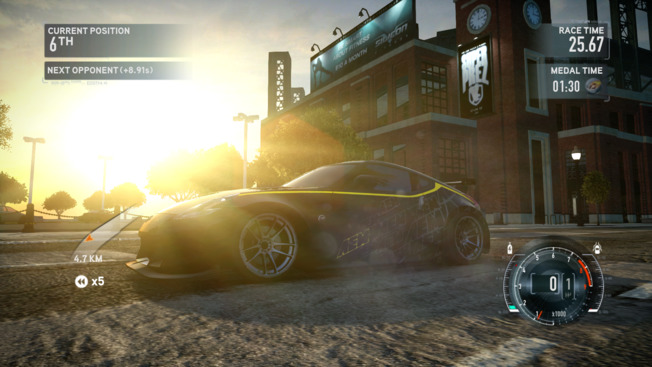
- Skip Intro — enables faster loading by bypassing startup FMVs and login prompts
- Improved Windowed Mode — makes windowed mode borderless and resizes the window to match the selected resolution
- Console Gamma — a custom gamma curve that creates a more contrasted image with deeper colors, similar to how GTA IV looked on the Xbox 360
- Mouse/Stick Look — fully functional free-look with adjustable sensitivity for both mouse and right stick. Reset timeout, return speed, and vertical axis inversion are all configurable in the
.inifile. Press LS + RS simultaneously to toggle between the original Free Look camera and the new one. - Unlock All Cars — unlocks all vehicles in the garage
- Unlock Challenges — unlocks all challenge content
- Unlock Everything — unlocks all content in the game
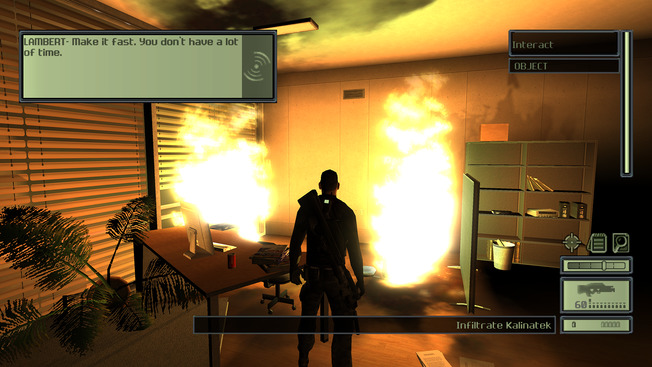
- Resolution — native support for any display resolution, including ultrawide
- Aspect Ratio — corrected for all rendered elements
- HUD — repositioned and scaled to match the active aspect ratio; optional constraint (16:9, 21:9, or custom)
- Field of View — corrected FOV to match the 4:3 values
- FMVs — expanded to fill the screen at widescreen resolutions, with an option to keep the original 4:3 display; 480p playback limit unlocked
- Framerate Issues — animated textures, camera shake, cloth physics and AI pathing no longer have issues at higher framerates
- Resolution Scale — vision mode grain now correctly scales at higher resolutions
- Character LOD — forces the highest character LOD models
- Xbox Shadows and Water Shader — restores these effects from the original Xbox version
- Shadow Resolution — shadow resolution can now be increased past the default values
- FPS Limit — added an option to limit FPS to avoid game-breaking bugs
- Skip Intro — added an option to skip intro
- Skip Prompt — added an option to skip "Press Fire to Continue" prompt
- Cutscene Borders — added an option to disable cutscene borders
- Mouse Acceleration — disabled mouse acceleration
- Raw Mouse Input — added raw input support for mouse
- Gamepad Support — improved gamepad support via Xidi
- EAX Support — restored EAX support via DSOAL
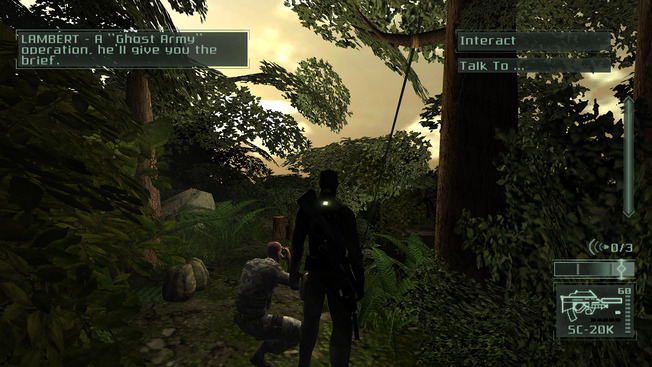
- Resolution — native support for any display resolution, including ultrawide
- Aspect Ratio — corrected for all rendered elements
- HUD — repositioned and scaled to match the active aspect ratio; optional constraint (16:9, 21:9, or custom)
- Field of View — corrected FOV to match the 4:3 values
- FMVs — expanded to fill the screen at widescreen resolutions, with an option to keep the original 4:3 display; 480p playback limit unlocked
- Framerate Issues — animated textures, camera shake, cloth physics and AI pathing no longer have issues at higher framerates
- Resolution Scale — vision mode grain, thermal vision, rain particles now correctly scale at higher resolutions
- Character LOD — forces the highest character LOD models
- Shadow Resolution — shadow resolution can now be increased past the default values
- Light Draw Distance — increased dynamic lighting draw distance
- Foliage Draw Distance — increased foliage draw distance
- FPS Limit — added an option to limit FPS to avoid game-breaking bugs
- Skip Intro — added an option to skip intro
- Skip Prompt — added an option to skip "Press Fire to Continue" prompt
- Cutscene Borders — added an option to disable cutscene borders
- Mouse Acceleration — disabled mouse acceleration
- Raw Mouse Input — added raw input support for mouse
- Gamepad Support — improved gamepad support via Xidi
- EAX Support — restored EAX support via DSOAL
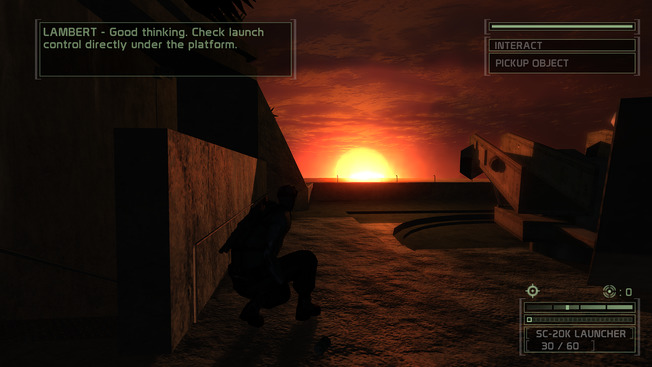
- Resolution — Set the output resolution with
ResXandResYin the INI file. - Aspect ratio — Correct widescreen aspect ratio scaling.
- HUD — Correct HUD scaling for widescreen.
- Field of view — Adjust the field of view for widescreen.
- Videos — Correct FMV scaling for widescreen.
- Mouse input — Add raw mouse input support.
- Gamepad — Support controllers through Xidi.
- Audio — Restore EAX support through DSOAL.
- Saved settings — Prevent settings from resetting on each launch.
- Steam overlay — Restore the Steam overlay when available.
- Frame rate limit — Limit FPS to reduce game bugs; the supplied INI uses 60 FPS.
- Skip intro — Skip startup intros.
- Startup prompt — Skip the “Press Any Key to Continue” screen.
- Shadows — Increase shadow resolution.
- Goggles — Choose the goggles' light color in the INI file.
- RGB lighting — Support Logitech G LIGHTSYNC RGB Lighting.
- Suit indicators — Use Blacklist-style indicators that respond to the player's visibility.
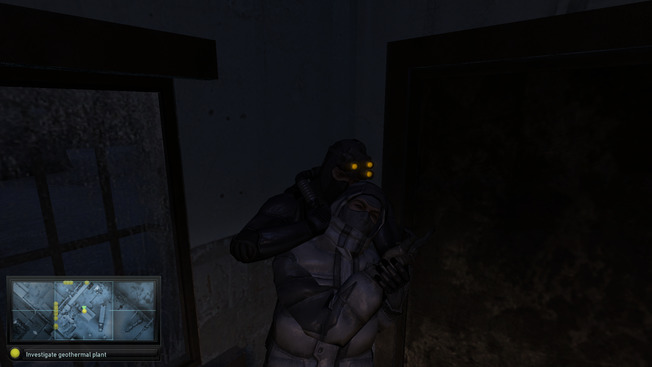
- Resolution — Set the output resolution with
ResXandResYin the INI file. - Aspect ratio — Correct widescreen aspect ratio scaling.
- HUD — Correct HUD scaling for widescreen.
- Field of view — Adjust the field of view for widescreen.
- Videos — Correct FMV scaling for widescreen.
- Mouse input — Add raw mouse input support.
- Gamepad — Support controllers through Xidi.
- Audio — Restore EAX support through DSOAL.
- AI hearing — Fix the AI hearing issue.
- Loading videos — Press Enter to skip loading screens that are playing a video.
- Shadows — Increase shadow resolution.
- Glow and bloom — Increase the resolution of glow and bloom effects.
- Console gamma — Apply a gamma curve approximating the Xbox 360 version.
- Frame rate limit — Limit FPS to reduce game bugs; the supplied INI uses 60 FPS.
- Skip intro — Skip startup intros.
- Goggles — Choose the goggles' light color in the INI file.
- RGB lighting — Support Logitech G LIGHTSYNC RGB Lighting.
- Suit indicators — Use Blacklist-style indicators that respond to the player's visibility.
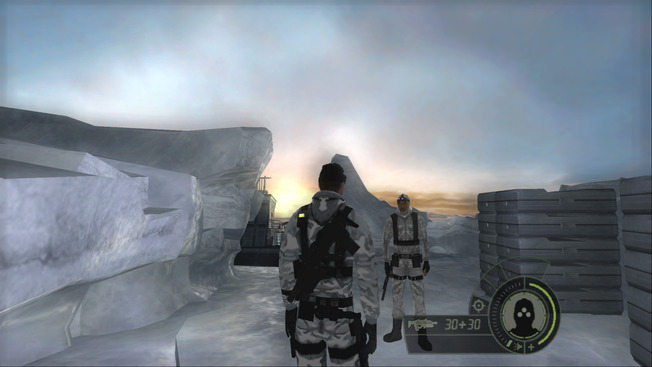
- Aspect ratio — Correct widescreen aspect ratio scaling.
- HUD — Correct HUD scaling for widescreen.
- Field of view — Adjust the field of view for widescreen.
- Videos — Not corrected by this fix.
Supported version: US-094 v1.02
- Aspect ratio — Correct widescreen aspect ratio scaling.
- HUD — Correct HUD scaling for widescreen.
- Field of view — Adjust the field of view for widescreen.
- Skip intro — Skip startup intros.
- Ultrawide — Support ultrawide display ratios with PPSSPP 1.14 and above.
- Dual analog controls — Enable right-stick support.
- Movement — Let the left analog stick control movement speed.
- 60 FPS — Optional 60 FPS mode.
- Loading — Temporarily unthrottle the emulator during loading screens.
- Gamepad — Support controllers through Xidi.
- DLC crash — Prevent crashes when Xbox 360 achievement conditions are met in DLC levels, including “King of the Crypt” in New Orleans and “Watch the Soap” in Portland.
- Co-op frame rate — Changed coop FPS limit to 60 (custom values can be set via
update/convictionsettings.ini,SyncMaxStepFrequencyparameter) - Ammunition — Disabled unlimited ammo for all weapons (restore original behavior by deleting
update/weapontuning.ini) - Skip intro — Skip startup intros and the Press any key screen.
- Windowed mode — Run the game centered in a window.
- Mouse input — Optionally disable negative mouse acceleration and smoothing; raw mouse input prevents lost movement with high polling rate mice.
- Hardware detection — Skip hardware detection messages on startup.
- LAN — Restore LAN support.
- Ultrawide — Enable partial ultrawide support.
- Depth of field — Optionally disable the depth of field effect.
- Black and white filter — Optionally disable the desaturation effect.
- Sonar vision — Enable the enhanced sonar vision option.
- Character lighting — Optionally disable the additional character lighting, including in cutscenes.
- RGB lighting — Support Logitech G LIGHTSYNC RGB Lighting.
- Loose files — Load unpacked files from disk.
- DLC — Unlock DLC content made unavailable by the server shutdown.
- Controls — Enable Blacklist-style keyboard and gamepad controls: toggle cover, drop from ledges with the cover button, and use E / X for Death from Above.
- Window focus — Start windowed mode focused, with the cursor available without a click.
- Frame rate limit — Set a custom frame rate limit instead of the default 120 FPS.
- Gamepad camera speed — Adjust how fast the stick turns the camera.
- Split screen — Restore original co-op split screen in one window, with keyboard/mouse or gamepad for player 1 and a gamepad for player 2; player 2 has a separate profile and lobby loadout.
- Two instance split screen — Run two game instances across top/bottom or side-by-side windows connected over LAN, each with its own gamepad and profile.
deprecated
- Resolution — Set the output resolution with
ResXandResYin the INI file. - Aspect ratio — Correct widescreen aspect ratio scaling.
- HUD — Correct HUD scaling for widescreen.
- Field of view — Adjust the field of view for widescreen.
- Videos — Correct FMV scaling for widescreen.
- Fullscreen videos — Optionally make FMVs fill the screen.
- Cutscene borders — Optionally remove cutscene letterboxing.
- CPU affinity — Optionally limit the game to one CPU core to prevent bugs.
- Safe mode — Prevent the game from reverting to default settings after closing.
- Transitions — Speed up screen transitions.
- Frame rate — Set the frame rate limit; increasing it may cause game bugs.
- Camera speed — Use PS2 camera speed with
FPSLimit = 30. - Gamepad bindings — Allow one button to be assigned to multiple actions.
- Lighting — Fix the flashlight and restore fog and lighting in an ending cutscene.
- Noise effect — Increase the noise effect's resolution.
- Background images — Crop letterboxing so background images fill the screen.
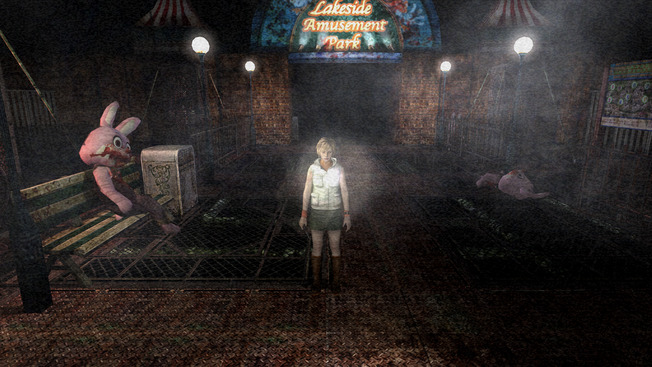
- Resolution — Set the output resolution with
ResXandResYin the INI file. - Aspect ratio — Correct widescreen aspect ratio scaling.
- HUD — Correct HUD scaling for widescreen.
- Field of view — Adjust the field of view for widescreen.
- Videos — Correct FMV scaling for widescreen.
- Effect resolution — Configure dynamic shadow, status screen, and depth of field resolutions.
- Fullscreen videos — Optionally make FMVs fill the screen.
- Cutscene borders — Optionally remove cutscene letterboxing.
- Safe mode — Prevent the game from reverting to default settings after closing.
- Fog — Adjust fog complexity in the INI file.
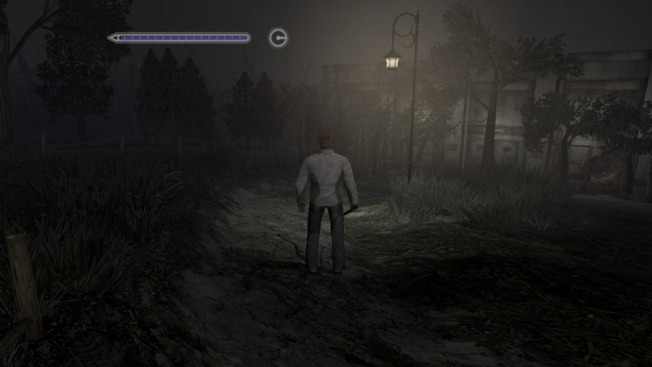
- Resolution — Set the output resolution with
ResXandResYin the INI file. - Aspect ratio — Correct widescreen aspect ratio scaling.
- HUD — Correct HUD scaling for widescreen.
- Field of view — Adjust the field of view for widescreen.
- Videos — Correct FMV scaling for widescreen.
Fix2Dalso corrects menus, but disables some visual effects. - Cutscene borders — Optionally remove cutscene letterboxing.
- Pause background — Render the pause background at native resolution.
- Cutscene frame rate — Remove the 15 FPS cutscene limit.
- Registry — Allow the game to run without its registry entries.
- Safe mode — Prevent the game from reverting to default settings after closing.
- Skip intro — Skip startup intros.
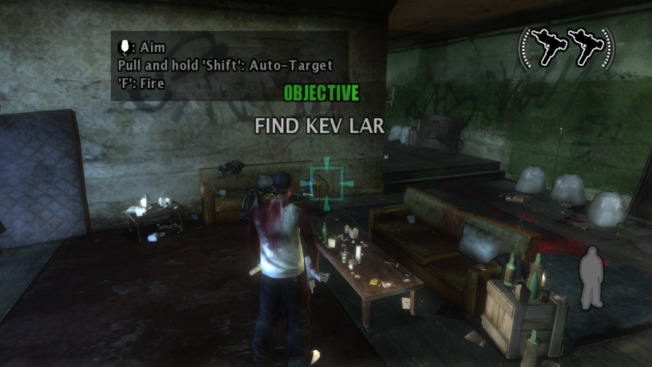
- Resolution — Correct resolution handling for widescreen displays.
- Aspect ratio — Correct widescreen aspect ratio scaling.
- HUD — Correct HUD scaling for widescreen.
- Field of view — Adjust the field of view for widescreen.
- Videos — Correct FMV scaling for widescreen.
- Shadows — Correct shadow rendering issues. Increase shadow resolution.
- Mouse input — Add raw mouse input support.
- 60 FPS — Optional 60 FPS mode with corrected game speed.
- Windowed mode — Enable borderless windowed mode.
- Depth of field — Enable distant-object blur similar to the PS2 version. Requires d3d8to9.
- Bloom — Enable the bloom post-processing effect. Requires d3d8to9.
- Antialiasing — Enable SMAA post-processing antialiasing. Requires d3d8to9.
- Console gamma — Enable the Xbox 360-style gamma option. Requires d3d8to9.
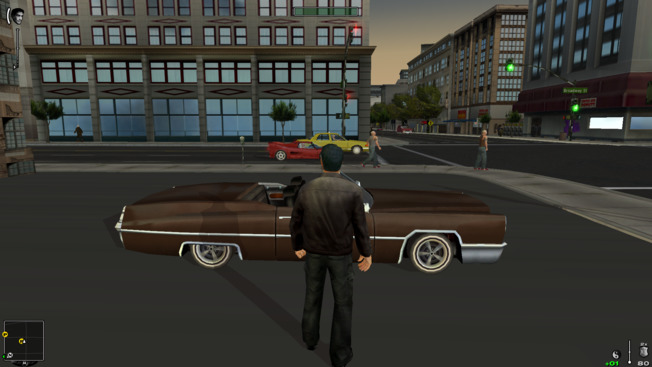
Supported exe version: Any
- Resolution — Set the output resolution with
ResXandResYin the INI file. - Aspect ratio — Correct widescreen aspect ratio scaling.
- Field of view — Adjust the field of view for widescreen.
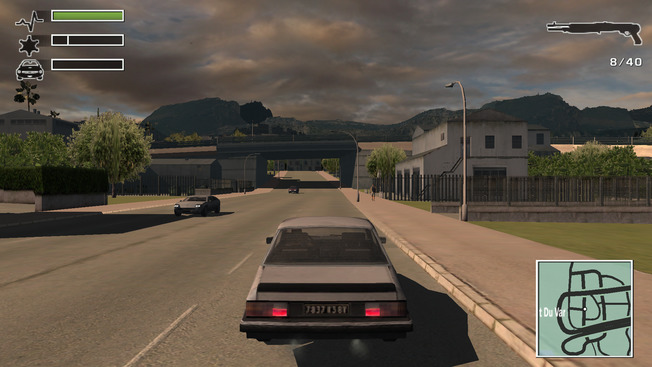
Supported exe version: Update 2
- Resolution — Include the highest resolutions at their highest refresh rate and correct the displayed game size after resolution changes.
- Aspect Ratio — corrected for ultrawide
- Field of View — corrected for widescreen using hor+ scaling
- HUD / 2D Elements — all 2D quads scaled and repositioned to match the active aspect ratio
- Radar — position and scale corrected for any aspect ratio, including ultrawide
- Skip Intro — bypass startup intro movies
- Draw Distance — added an option to increase draw distance
- Windowed Mode — borderless windowed mode via dxwrapper
- SMAA — enhanced subpixel morphological antialiasing as a post-processing effect
- Xbox 360 Gamma — a custom gamma curve that produces a higher-contrast image with deeper colors, similar to GTA IV on the Xbox 360
- Clip Cursor — Locks the mouse cursor to the game window
- Turn indicators — activate automatically when making a turn. Manual controls available in the ini file (keyboard only).
- Mouse — Read mouse movement every frame to remove the original delay and dropped movement in menus and mouse look.
- Modern Controls — Use modern keyboard, mouse and Xbox controller bindings for new profiles and Reset in the controls menu; Start pauses the game.
- Mouse/Stick Look — Orbit the vehicle camera with the mouse or right stick while retaining look back; configure return delay, speed, sensitivity and vertical inversion.
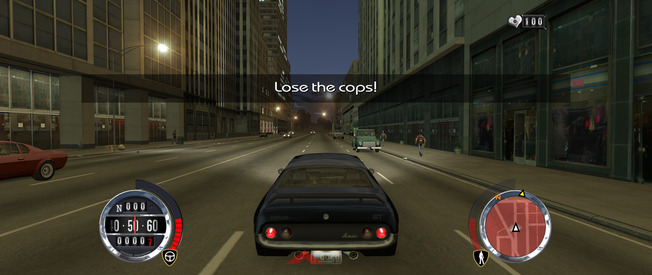
- Resolution — improved the display of available resolutions in the main menu
- Aspect Ratio — corrected for ultrawide
- Field of View — corrected for widescreen using hor+ scaling
- HUD / 2D Elements — all 2D quads scaled and repositioned to match the active aspect ratio
- Radar — position and scale corrected for any aspect ratio, including ultrawide
- Skip Intro — bypass startup intro movies
- Windowed Mode — borderless windowed mode via dxwrapper
- SMAA — enhanced subpixel morphological antialiasing as a post-processing effect
- Xbox 360 Gamma — a custom gamma curve that produces a higher-contrast image with deeper colors, similar to GTA IV on the Xbox 360
- Clip Cursor — Locks the mouse cursor to the game window
- Turn indicators — activate automatically when making a turn. Manual controls available in the ini file.
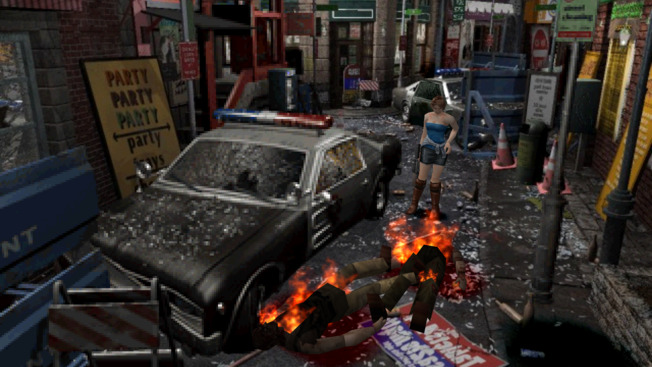
- Widescreen — Player-follow pan-and-scan with right-stick panning and proportional menus.
- Alternate controls — Screen-relative keyboard and analog movement; tilt to walk or run.
- Wobble fix — Stabilize model geometry in Resident Evil 3.
- In-game settings — Configure Fusion Fix with Esc or controller Start.
- Skip animations — Skip intros and doors while retaining room loading.
- Save loading — Auto-load a save on startup and skip recap captions with Fast Load.
- Portable settings — Store native RE1 and RE2 settings in local INIs instead of the registry.
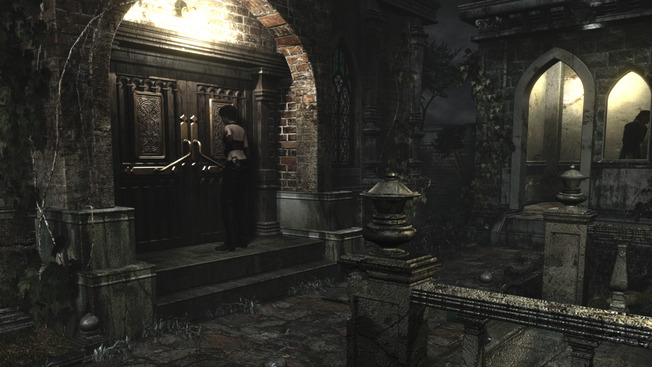
- Mouse cursor — Hide the cursor after a configurable interval.
- Door animations — Skip door transitions.
- Windowed mode — Enable borderless windowed mode.
- Color correction — Optionally disable color correction.
- Noise filter — Optionally disable the noise filter.
- RGB lighting — Support Logitech G LIGHTSYNC RGB Lighting.
- Frame rate — Enable
UnlockFPSand set FRAME RATE to VARIABLE to raise the frame rate cap. - Resolution list — Replace the predefined list, previously capped at 2560×1600, with available display resolutions.
- Mouse cursor — Hide the cursor after a configurable interval.
- Door animations — Skip door transitions.
- Windowed mode — Enable borderless windowed mode.
- Color correction — Optionally disable color correction.
- Noise filter — Optionally disable the noise filter.
- RGB lighting — Support Logitech G LIGHTSYNC RGB Lighting.
- RGB lighting — Support Logitech G LIGHTSYNC RGB Lighting.
- Co-op camera — Correct near clipping that lets the camera see through walls.
- Windowed mode — Enable borderless windowed mode.
- RGB lighting — Support Logitech G LIGHTSYNC RGB Lighting.
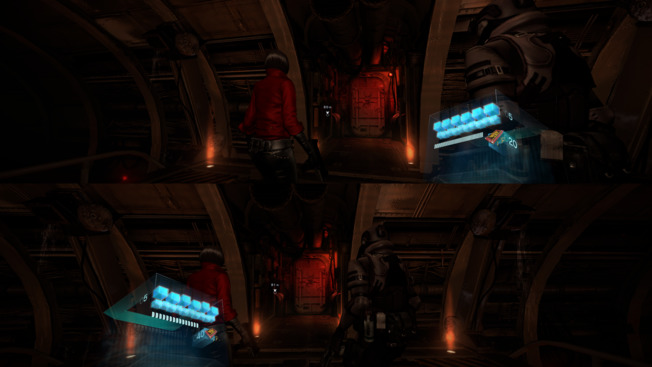
- Local co-op — Expand the split-screen viewports to fill the screen.
- Ultrawide — Correct display scaling for ultrawide.
- Frame rate — Raise the frame rate cap when FRAME RATE is set to VARIABLE.
- Skip intro — Skip startup intros.
- Windowed mode — Enable borderless windowed mode.
- RGB lighting — Support Logitech G LIGHTSYNC RGB Lighting.
- Resolution list — Unlock available display resolutions.
- Frame rate — Raise the frame rate cap when FRAME RATE is set to VARIABLE.
- Ultrawide — Correct display scaling for ultrawide.
- Damage overlay — Optionally hide the damage overlay.
- Windowed mode — Enable borderless windowed mode.
- Field of view — Increase the field of view with the INI multiplier.
- RGB lighting — Support Logitech G LIGHTSYNC RGB Lighting.
- Local co-op — Expand the split-screen viewports to fill the screen.
- Resolution list — Unlock available display resolutions.
- Frame rate — Raise the frame rate cap when FRAME RATE is set to VARIABLE.
- Ultrawide — Correct display scaling for ultrawide.
- Episode 4 — Fix controls getting stuck before the final boss battle in episode 4.
- Skip intro — Skip startup intros.
- Damage overlay — Optionally hide the damage overlay.
- Film grain — Optionally disable film grain.
- Windowed mode — Enable borderless windowed mode.
- Field of view — Increase the field of view with the INI multiplier.
- RGB lighting — Support Logitech G LIGHTSYNC RGB Lighting.
Supported version: RE3: GLE(E|P|J)08, RE2: GHA(E|P|J)08
- Door animations — Skip door animations.
- Loading — Unthrottle the emulator during door skipping to speed up loading.
- RGB lighting — Support Logitech G LIGHTSYNC RGB Lighting.
Supported exe version: Any
- Compatibility — Compatible with Gamer's Edition and Signature Edition
- Resolution list — Unlock display resolutions in the settings application.
- Aspect ratio — Correct widescreen aspect ratio scaling.
- HUD — Correct HUD scaling for widescreen.
- Field of view — Adjust the field of view for widescreen. Adjust the FOV multiplier in the INI file.
- Videos — Correct FMV scaling for widescreen.
- CPU timing — Fix excessive game speed when CPU frequency exceeds 4.294 GHz.
- Frame rate limit — Limit FPS to avoid game bugs; affected levels switch to 30 FPS to prevent crashes.
- Camera shake — Fix persistent shaking at 60 FPS after the first King Kong encounter and V-Rex encounters in the V-Rex and Call Kong levels.
- Mouse input — Use raw input for cursor and camera movement.
- Gamepad — Correct controller support in the game and settings application, including vibration.
- Blur — Optionally disable blur in Necropolis, Brontosaurus, In The Mud, and New York, also correcting the obscured damage overlay.
- Fullscreen videos — Optionally make FMVs fill the screen. Subtitles are affected as well.
- Broken geometry — Optionally hide objects with broken geometry or textures in Gamer's Edition.
- Windowed mode — Make windowed mode borderless.
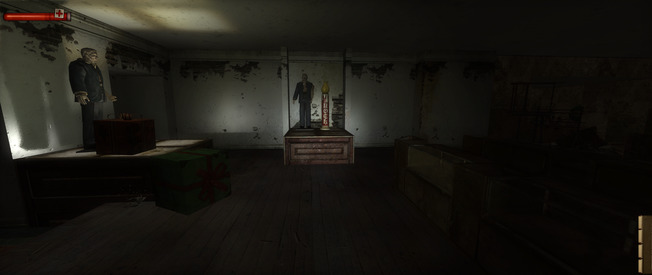
- Resolution — Unlock available display resolutions in
Config.exe. - Aspect ratio — Correct scaling on ultrawide displays.
- HUD — Correct HUD scaling on ultrawide displays.
- Gamepad — Support controllers through Xidi.
- Menu backgrounds — Correct stretched backgrounds by scaling them vertically.
- Frame rate drops — Address the drop to roughly 20–30 FPS that can occur after several minutes.
- Saved settings — Move the save location from Public Documents to My Documents so settings can be saved without administrator rights.
- Windowed mode — Make native windowed mode borderless; add
"Windowed" "1"toautoexec.cfgto enable it.
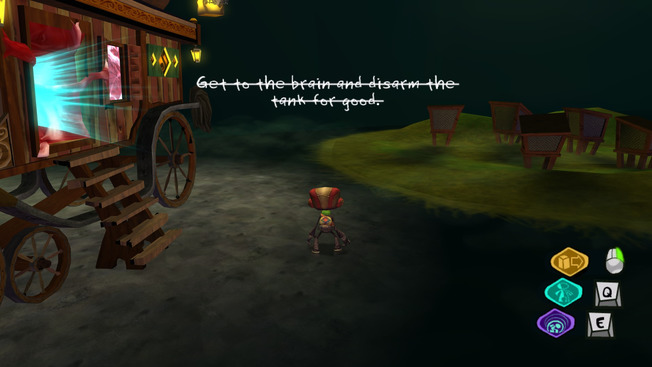
- HUD — Correct HUD scaling for widescreen.
- Videos — Correct FMV scaling for widescreen.
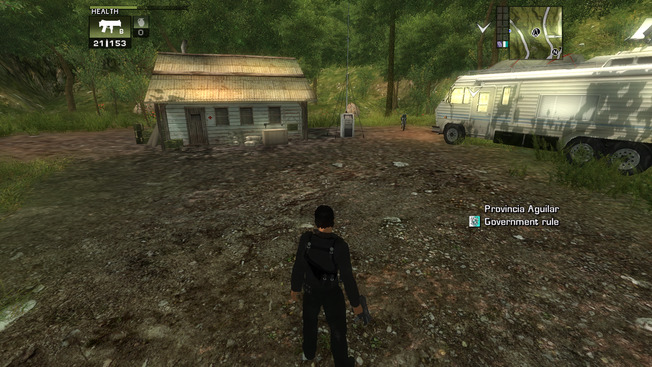
- Resolution — Set the output resolution with
ResXandResYin the INI file. - Aspect ratio — Correct widescreen aspect ratio scaling.
- HUD — Correct HUD scaling for widescreen.
- Field of view — Adjust the field of view for widescreen.
- Videos — Correct FMV scaling for widescreen.
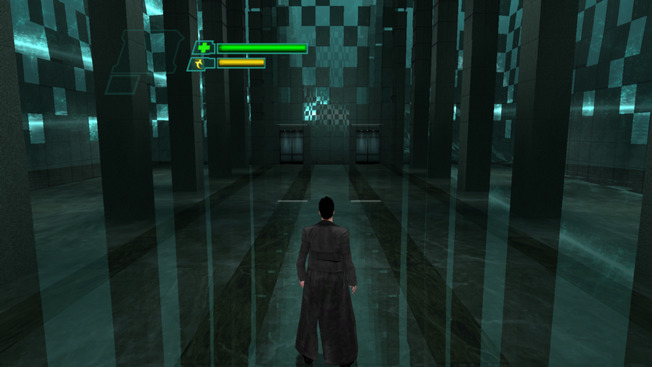
Supported exe version: Any
- Resolution — Set the output resolution with
ResXandResYin the INI file. - Aspect ratio — Correct widescreen aspect ratio scaling.
- HUD — Correct HUD scaling for widescreen.
- Field of view — Adjust the field of view for widescreen.
- Videos — Correct FMV scaling for widescreen.
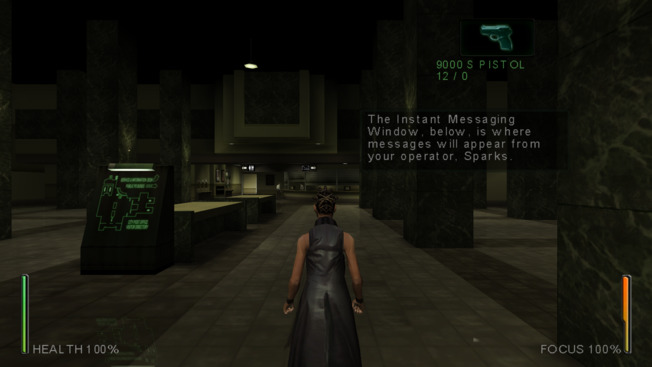
Supported exe version: Any
- Resolution — Correct resolution handling for widescreen displays.
- Aspect ratio — Correct widescreen aspect ratio scaling.
- HUD — Correct HUD scaling for widescreen.
- Field of view — Adjust the field of view for widescreen.
- Videos — Correct FMV scaling for widescreen.
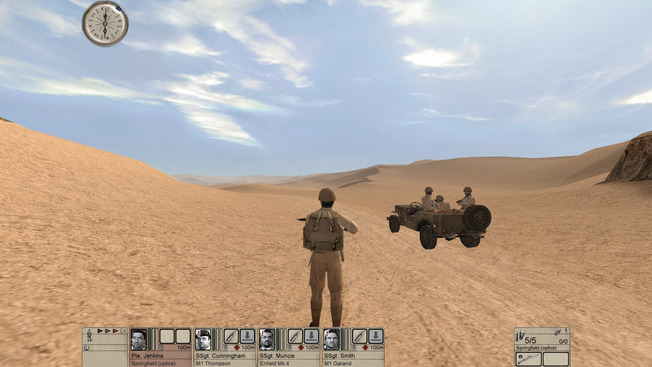
- Resolution — Correct resolution handling for widescreen displays.
- Aspect ratio — Correct widescreen aspect ratio scaling.
- HUD — Correct HUD scaling for widescreen.
- Field of view — Adjust the field of view for widescreen. Adjust the FOV multiplier in the INI file.
- Videos — Correct FMV scaling for widescreen.
- Damage overlay — Damage overlay is disabled (not scaled properly)
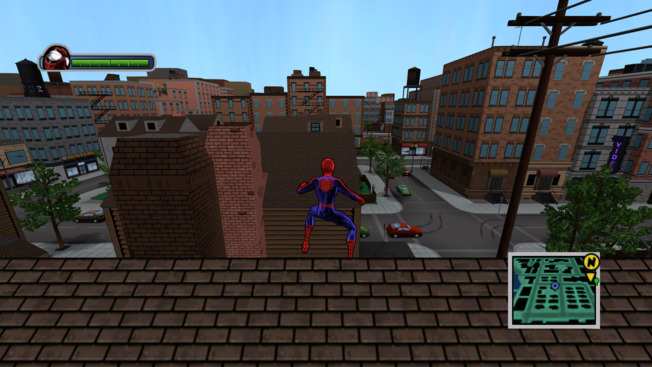
Supported exe version: Any
- Widescreen and ultrawide — Keeps characters and scenery in proportion and shows more of the world on wider screens. Adjust the camera view with FOVFactor.
- HUD, radar and markers — Keeps health bars, race indicators and the radar in proportion. Map and enemy icons stay aligned as you move. Choose original or wider HUD placement with HudAspectRatioConstraint.
- Disappearing buildings — Fixes buildings incorrectly disappearing and reappearing when moving through the city in widescreen.
- Menus and comic cutscenes — Prevents stretched backgrounds and comic panels, adding black side borders where needed. Fixes the stretch when a 3D cutscene turns into a comic panel, plus menu sliders and mouse selection.
- Mouse camera — Responds to small mouse movements and removes the speed cap on fast movements. Waits three seconds after your last camera input before automatically recentering.
- Resolution and windowed mode — Starts at desktop resolution if no resolution is saved, then remembers your in-game choice. WindowedMode selects fullscreen, a borderless window at your chosen resolution, or borderless desktop. Restart to apply.
- Draw distance — DrawDistanceScale = 1.0 keeps the original distance; up to 2.0 adds more distant detail. Values above 2.0 up to 10.0 enable experimental extended distance. Higher values can reduce performance; some objects may still pop in, and the experimental mode may cause crashes.
- Frame rate limit — FPSLimit sets the target frame rate and defaults to 60. Set 0 to keep the original game limiter.
- Smoother edges and console-style colors — Optional SMAA reduces jagged edges in the game world without smoothing the HUD or menu text; it does not work with MSAA. ConsoleGamma adds stronger contrast and deeper colors. Both are off by default.
- Keep cursor in the game — ClipCursor keeps the cursor inside the active game window. Alt+Tab releases it.
- Skip startup screens — SkipIntro skips the opening logos and copyright screen. Enabled by default.
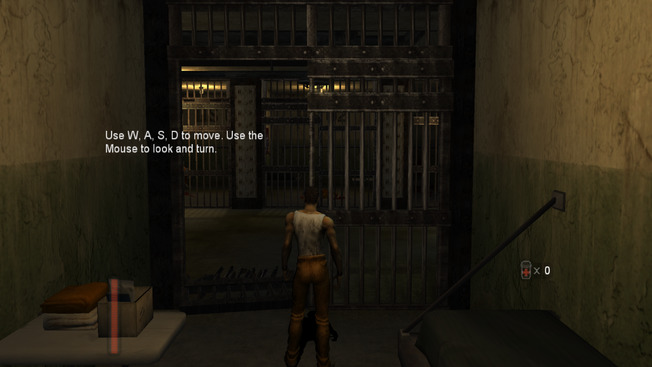
- Resolution — Correct resolution handling for widescreen displays.
- Aspect ratio — Correct widescreen aspect ratio scaling.
- HUD — Correct HUD scaling for widescreen.
- Field of view — Adjust the field of view for widescreen. Adjust the FOV multiplier in the INI file.
- Videos — Correct FMV scaling for widescreen.
- Aspect ratio — Correct widescreen aspect ratio scaling.
- HUD — Correct HUD scaling for widescreen.
- Videos — Correct FMV scaling for widescreen.
- Known issues — Unresolved issues are listed in #420.
Supported exe version: Any
- Resolution — Set the output resolution with
ResXandResYin the INI file. - Aspect ratio — Correct widescreen aspect ratio scaling.
- HUD — Correct HUD scaling for widescreen.
- Field of view — Adjust the field of view for widescreen.
- Videos — Correct FMV scaling for widescreen.
- Aspect ratio — Correct widescreen aspect ratio scaling.
- HUD — Correct HUD scaling for widescreen.
- Field of view — Adjust the field of view for widescreen.
- Videos — Correct FMV scaling for widescreen.
- Menus — Correct widescreen menu scaling.
- Video effects — Correct scanlines and TV noise for widescreen.
- Screen effects — Correct screen effects, blood drops, and lights for widescreen.
- Interface style — Choose Xbox-style HUD and PS2-style subtitles.
- Resolution — Set the output resolution with
ResXandResYin the INI file. - HUD — Correct HUD scaling for widescreen.
- Field of view — Adjust the field of view for widescreen.
- Videos — Correct FMV scaling for widescreen.
- Cutscene borders — Optionally remove cutscene letterboxing.
- Fullscreen videos — Optionally make FMVs fill the screen.
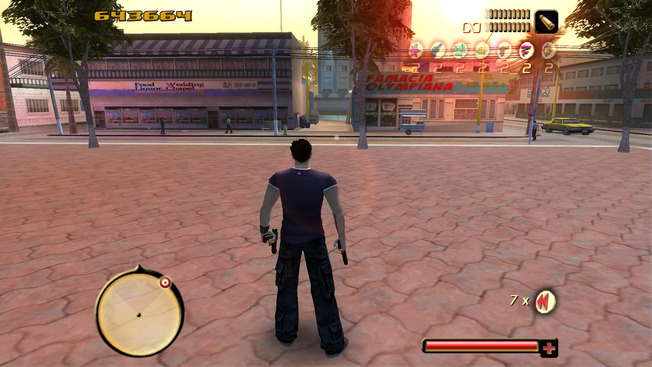
- Resolution — Set the output resolution with
ResXandResYin the INI file. - Aspect ratio — Correct widescreen aspect ratio scaling.
- HUD — Correct widescreen HUD scaling; the menu is not corrected.
- Field of view — Adjust the field of view for widescreen.
- Videos — Use vertical cropping (Vert−) for widescreen FMVs.
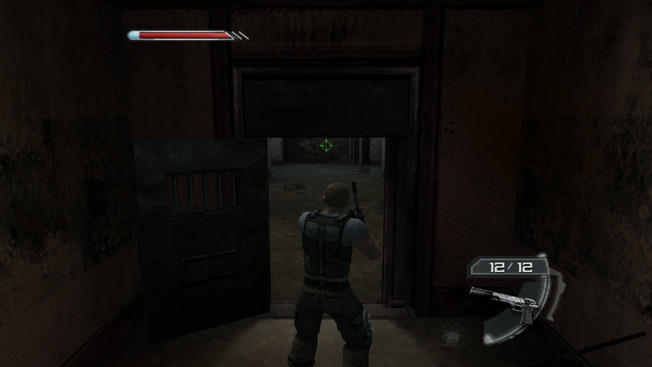
Supported exe version: Any
- Resolution — Set the output resolution with
ResXandResYin the INI file. - Aspect ratio — Correct widescreen aspect ratio scaling.
- HUD — Correct HUD scaling for widescreen.
- Field of view — Adjust the field of view for widescreen.
- Videos — Not corrected by this fix (#272).
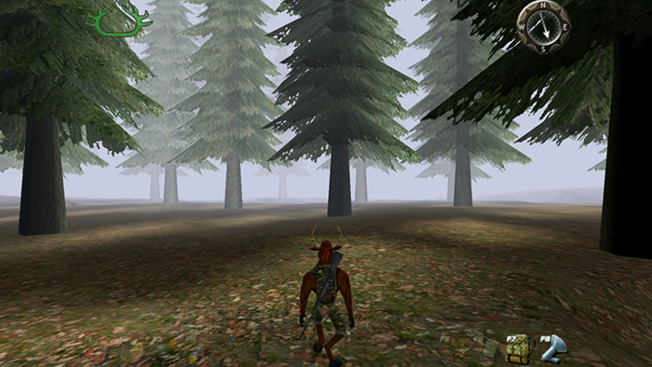
Supported exe version: Any
- Aspect ratio — Correct widescreen aspect ratio scaling.
- HUD — Correct HUD scaling for widescreen.
- Field of view — Adjust the field of view for widescreen.
- Rendering limitations — Some rendering issues are visible in widescreen.
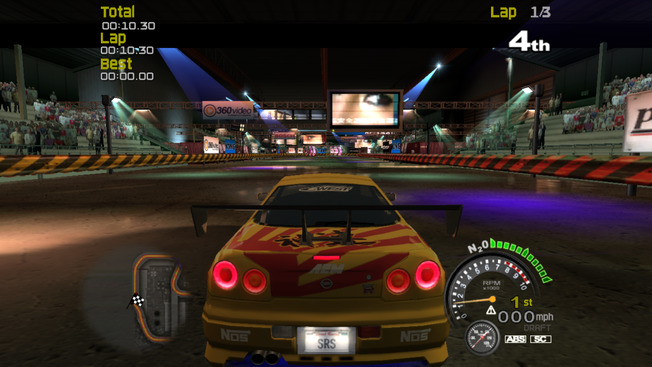
- Resolution — Set the output resolution with
ResXandResYin the INI file. - Aspect ratio — Correct widescreen aspect ratio scaling.
- HUD — Correct HUD scaling for widescreen.
- Field of view — Adjust the field of view for widescreen.
- Videos — Correct FMV scaling for widescreen.
Supported exe version: Any
Made by nestdimon- Resolution — Set the output resolution with
ResXandResYin the INI file. - Aspect ratio — Correct widescreen aspect ratio scaling.
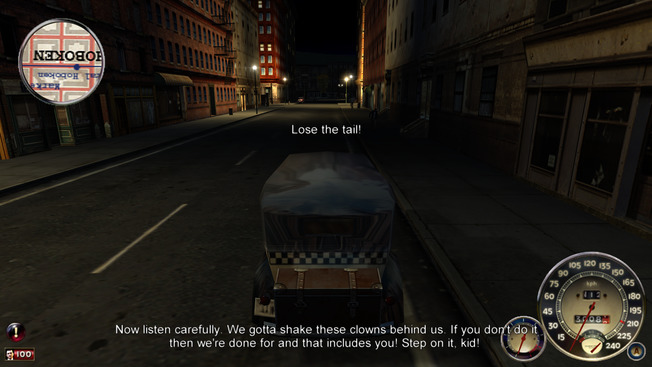
- Aspect Ratio — corrected for all rendered elements
- HUD — repositioned and scaled to match the active aspect ratio, with an option to keep the original 4:3 centered HUD
- Field of View — corrected for widescreen
- FMVs — Fullscreen videos are scaled and centered at the correct aspect ratio.
- Shadow Flickering — fixed the z-fighting of shadows
- Map / Text / Menus — Scaled to match the active aspect ratio, with centered 4:3 or widescreen map layouts.
- Cutscenes — preserve the original 4:3 composition, with animated borders and off, letterbox, pillarbox or both modes
- UI Scaling — radar blips, menu underlines, crosshair and cursor scale with resolution
- Eye Animations — Restore moving eyes using the original models from A2.dta instead of their static-eyed A8.dta replacements; loose replacement models remain supported.
- Car Scratches — Restore the original 1.0 scratch opacity on 1.1 and 1.2, retaining native 1.0 behavior.
- Radar Map — Draw the PC city map inside the radar with a smooth circular mask, Xbox-sized car footprints and speed-based zoom; the map and blips scale with resolution.
- Draw Distance — increases the draw distance; the new distance and the skip ranges are configurable in
Mafia.FusionFix.ini - FPS Limit — caps the frame rate via the
FPSLimitoption inMafia.FusionFix.ini - Settings — saves all game settings to
savegame\settings.bininstead of the registry, fixing an issue when the settings are lost - Borderless Windowed — makes windowed mode borderless
- Stick Deadzones — configurable deadzones for the left and right stick (otherwise the camera just spins on its own)
- Xbox 360 Gamma — a custom gamma curve that produces a higher-contrast image with deeper colors, similar to GTA IV on the Xbox 360
- SMAA — enhanced subpixel morphological antialiasing as a post-processing effect
- Free Camera — Optional mouse or right-stick car camera with independent aiming, native camera collision and weapon targeting; return delay and speed are configurable.
Mafia.WidescreenFix.asi; widescreen support is included in Fusion Fix.
- Resolution — Set the output resolution with
ResXandResYin the INI file. - Aspect ratio — Correct widescreen aspect ratio scaling.
- HUD — Correct HUD scaling for widescreen.
- Field of view — Adjust the field of view for widescreen.
Supported exe version: Any
- Resolution — Set the output resolution with
ResXandResYin the INI file. - Aspect ratio — Correct widescreen aspect ratio scaling.
- HUD — Correct HUD scaling for widescreen.
- Field of view — Adjust the field of view for widescreen. Adjust the FOV multiplier in the INI file.
- Videos — Correct FMV scaling for widescreen.
- Skip intro — Skip startup intros.
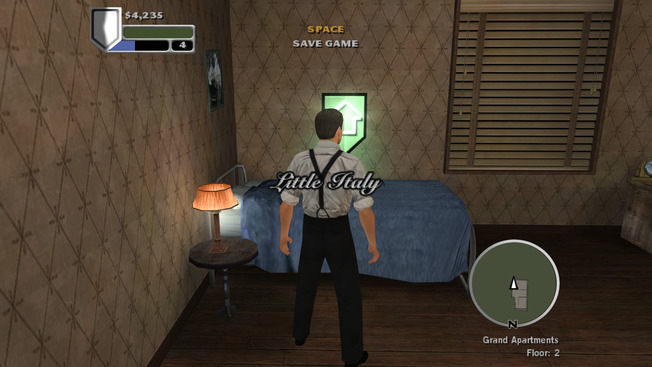
- Resolution — Correct resolution handling for widescreen displays.
- HUD — Correct HUD scaling for widescreen.
- Field of view — Adjust the field of view for widescreen.
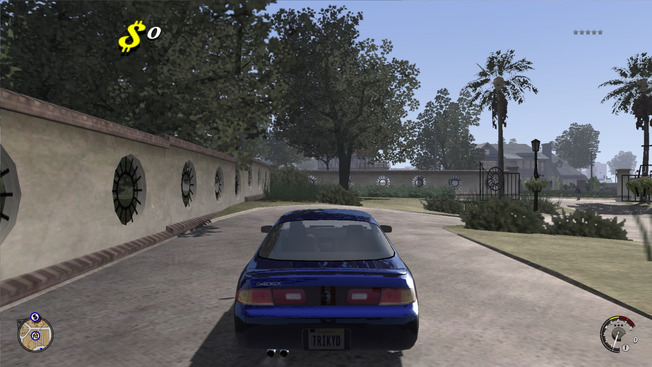
Supported exe version: Any
- Resolution — Set the output resolution with
ResXandResYin the INI file. - Aspect ratio — Correct widescreen aspect ratio scaling.
- HUD — Correct HUD scaling for widescreen.
- Field of view — Adjust the field of view for widescreen.
- Videos — Correct FMV scaling for widescreen.
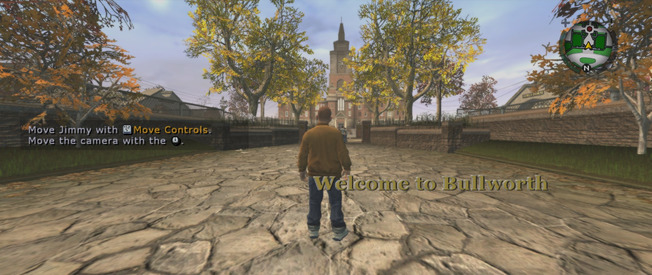
- Resolution — Support ultrawide resolutions. Make display resolutions reported by the OS available.
- Aspect ratio — Correct scaling on ultrawide displays.
- HUD — Correct HUD scaling on ultrawide displays.
- Field of view — Adjust the field of view for ultrawide displays. Adjust the FOV multiplier in the INI file.
- Saved resolution — Keep the last selected resolution on startup.
- Videos — Not corrected by this fix.
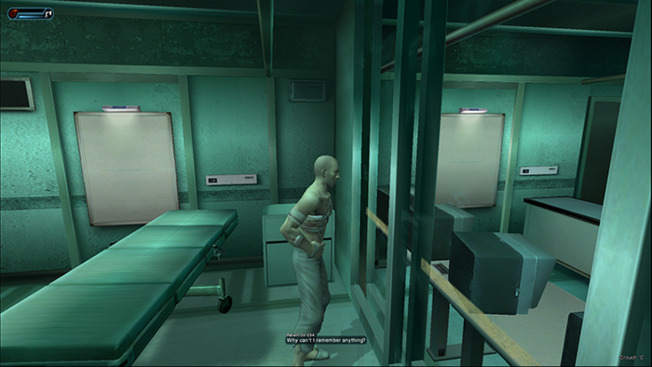
Supported exe version: Any
- Resolution — Set the output resolution with
ResXandResYin the INI file. - Aspect ratio — Correct widescreen aspect ratio scaling.
- HUD — Correct HUD scaling for widescreen.
- Field of view — Adjust the field of view for widescreen. A lower
FOVFactorcan hide some see-through-wall artifacts.
Supported exe version: Any
Created by xan1242- Resolution — Set the output resolution with
ResXandResYin the INI file. - Aspect ratio — Correct widescreen aspect ratio scaling.
- HUD — Correct HUD scaling for widescreen.
- Field of view — Adjust the field of view for widescreen.
- Resolution — Set the output resolution with
ResXandResYin the INI file. - Aspect ratio — Correct widescreen aspect ratio scaling.
- HUD — Correct HUD scaling for widescreen.
- Field of view — Adjust the field of view for widescreen.
- Aspect Ratio — corrected for all rendered elements
- HUD — repositioned and scaled to match the active aspect ratio; optional constraint (16:9, 21:9, or custom)
- Field of View — corrected for widescreen
- FMVs — fullscreen videos are scaled and centered at the correct aspect ratio
- Text — drawn without the widescreen HUD scaling, keeping it at its original proportions
- HUD Aspect Ratio Constraint — constrains the HUD to an aspect ratio via the
HudAspectRatioConstraintoption (Auto, 16:9, 21:9, or a custom ratio) - FOV Factor — makes the FOV higher or lower via the
FOVFactoroption,1.0by default - SMAA — enhanced subpixel morphological antialiasing as a post-processing effect
- Xbox 360 Gamma — a custom gamma curve that produces a higher-contrast image with deeper colors, similar to GTA IV on the Xbox 360
- Aspect ratio — Correct widescreen aspect ratio scaling.
- Side bars — Remove the black bars at the sides of the image.
- FOV override — Set the field of view in degrees with
OverrideFOV. - FOV scale — Scale the field of view with
FOVScalar.
- Resolution — Set the output resolution with
ResXandResYin the INI file. - Aspect ratio — Correct widescreen aspect ratio scaling.
- HUD — Correct HUD scaling for widescreen.
- Field of view — Adjust the field of view for widescreen.
Supported version: Exe - Any
- Resolution — Set the output resolution with
ResXandResYin the INI file. - Aspect ratio — Correct widescreen aspect ratio scaling.
- HUD — Correct HUD scaling for widescreen.
- Field of view — Adjust the field of view for widescreen.
- Videos — Correct FMV scaling for widescreen.
- Aspect ratio — Correct widescreen aspect ratio scaling.
- HUD — Correct HUD scaling for widescreen.
- Field of view — Adjust the field of view for widescreen.
- Videos — Correct FMV scaling for widescreen.
Supported exe version: Any
- Resolution — Set the output resolution with
ResXandResYin the INI file. - Aspect ratio — Correct widescreen aspect ratio scaling.
- HUD — Correct HUD scaling for widescreen.
- Field of view — Adjust the field of view for widescreen.
- Videos — Correct FMV scaling for widescreen.
- Soundtrack — Randomize song order.
Supported exe version: Any
- Resolution — Set the output resolution with
ResXandResYin the INI file. - Aspect ratio — Correct widescreen aspect ratio scaling.
- HUD — Correct HUD scaling for widescreen.
- Field of view — Adjust the field of view for widescreen.
- Videos — Correct FMV scaling for widescreen.
- Soundtrack — Randomize song order.
Supported exe version: Any
- Resolution — Set the output resolution with
ResXandResYin the INI file. - Aspect ratio — Correct widescreen aspect ratio scaling.
- HUD — Correct HUD scaling for widescreen.
- Field of view — Adjust the field of view for widescreen.
- Videos — Correct FMV scaling for widescreen.
- Soundtrack — Randomize song order.
deprecated
Supported exe version: Any
- Resolution — Set the output resolution with
ResXandResYin the INI file. - Aspect ratio — Correct widescreen aspect ratio scaling.
- HUD — Correct HUD scaling for widescreen.
- Field of view — Adjust the field of view for widescreen.
- Videos — Correct FMV scaling for widescreen.
- Soundtrack — Randomize song order.
deprecated
Supported exe version: Any
- Resolution — Set the output resolution with
ResXandResYin the INI file. - Aspect ratio — Correct widescreen aspect ratio scaling.
- HUD — Correct HUD scaling for widescreen.
- Field of view — Adjust the field of view for widescreen.
- Videos — Correct FMV scaling for widescreen.
- Soundtrack — Randomize song order.
deprecated
Supported exe version: Any
- Resolution — Set the output resolution with
ResXandResYin the INI file. - Aspect ratio — Correct widescreen aspect ratio scaling.
- HUD — Correct HUD scaling for widescreen.
- Field of view — Adjust the field of view for widescreen.
- Videos — Correct FMV scaling for widescreen.
- Skip intro — Skip startup intros.
- Startup prompt — Skip the “Press Any Key” screen and checkpoint selection.
- Mouse input — Use raw mouse input for camera turning so high polling rate mice do not lose movement; optionally disable negative mouse acceleration.
- Ultrawide — Keep HUD and menus at 16:9 while the 3D view fills the screen; menus, dialogs and fullscreen movies receive black bars on other aspect ratios.
- Field of view — Adjust
FOVFactorfrom 0.5 to 2.5. - Draw distance — Adjust
ScreenCullBias; lower values keep distant objects visible for longer. - DLC — Unlock DLC content made unavailable by the server shutdown.
- Mission unlocks — Separate options unlock campaign and 4th Echelon missions from the start.
- Loose files — Load unpacked files from the update folder; DumpPackedFiles extracts .umd archives for use as loose files.
- RGB lighting — Support Logitech G LIGHTSYNC RGB Lighting.
- Forced walking — Allow running during forced walking sections.
- Difficulty — Mark and Execute, sonar, and drop crates are enabled on Perfectionist; unlimited ammo is disabled on Rookie.
- Turn speed — Adjust TurnSpeed for faster turns toward the movement direction while moving.
- Window modes — Windowed, borderless and fullscreen offer the same resolutions; windows open centered and focused, can be resized, and remember their size.
- Letterbox — Optionally letterbox the 3D view to 16:9 on narrower screens, including 4:3 and 16:10.
- Frame rate limit — Set a frame rate limit with FPSLimit.
- Split screen co-op — Restore console split screen co-op in DX11 and DX9, with separate HUDs, prompts, markers and saved gear for player 2; configure gamepad assignments in the INI. Ambient occlusion is disabled during split screen.
- Ending cutscene — Fix the grid transition remaining over the ending cutscene at high frame rates.
- Online server crash — Prevent the crash after about 30 minutes caused by failed logins exhausting the network request pool.
- Extraction mode — Configure enemy counts and randomized waves, and load custom wave configs.
- Extra Extraction maps — Optionally add Charlie versions of eight Kobin/Grim missions and four co-op campaign missions. These do not affect profile progression; campaign story scripts still run and may obstruct doors.
- Kestrel DLC — Optionally add four cut Kestrel missions, completed by taking down the High Value Target; player 2 plays as Kestrel in co-op. These missions do not affect profile progression.
- Hunter and co-op reinforcements — Configure reinforcement counts or randomize them within minimum and maximum limits.
- Detection failure — Optionally disable mission failure on detection in Ghost mode and the single-player or co-op campaign.
- Added an option to select between DirectX 9 and Vulkan (DXVK) renderer
- Added Sun Shafts, Volumetric Fog, Tone Mapping and ambient occlusion options
- Added FPS limiter and FXAA/SMAA anti-aliasing options
- Comprehensive shader overhaul with fixes for several longstanding issues
- Fixed z-fighting
- Fixed "Definition Off" being forced in cutscenes
- Fixed shadow stretching, dark lines in night shadows and blur between cascades
- Added contact hardening shadows
- Fixed motion blur, particles and depth of field behaving incorrectly at high frame rates
- Restored console timecycles with improved auto exposure
- Restored console bloom, rain density and lamppost coronas
- Significantly sped up loading screens
- Significantly reduced pop-in on higher graphics settings
- Improved ultrawide support
Supported exe version: Any
Made by TGP482- Display Mode — Sets the display mode: (0) fullscreen, (1) windowed.
- V-Sync — Enables or disables Vsync: (0) off, (1) on.
- Internal Resolution — Added the option to set the internal resolution without it affecting the window resolution, useful for supersampling and downscaling.
- Scaling Filter — Sets the internal resolution scaling filter.
- Max Frame Rate — Frame rate cap: (0) uncapped, (1) the rate the display is running at.
- Anisotropic Filtering — Forces the selected AF level, range: 2 to 16.
- LOD Distance — Multiplies the distance at which meshes drop to a lower LOD and at which they stop drawing altogether: (0) default, (1) 2x, (2) 4x, (3) 8x.
- Shadow Map Size — Sets the shadow map resolution per cascade: (0) default, range: 256 - 4096
- No Detection Indicator — Removes the detection indicator.
- No Waypoint Marker — Removes the world markers pointing at objectives.
- Field of View — The player camera's horizontal FOV in degrees, range: 45 to 140. Does not affect scopes or cutscenes.
- Field of view — Adjust widescreen FOV, with scaling capped to avoid rendering problems at very wide ratios.
- Interface and shutdown — Correct map marker rendering and high-resolution cursor movement, and fix audio stuttering when closing the game.
- Frame rate — Configure
FPSLimit, including values above 60 FPS. - Windowed mode — Make windowed mode borderless.
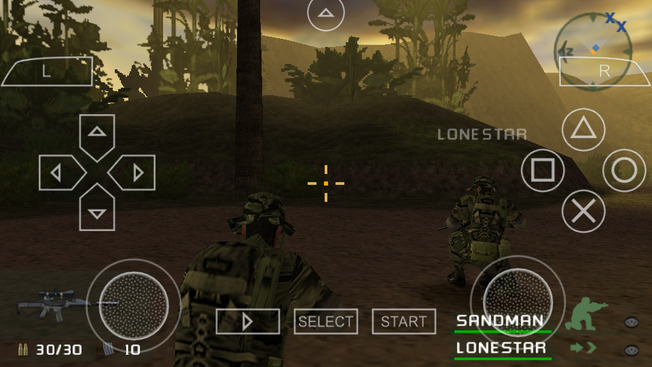
Supported version: Any (tested on UCUS-98615)
- Skip intro — Skip startup intros.
- Dual analog controls — Enable right-stick support.
- Loading — Temporarily unthrottle the emulator during loading screens.
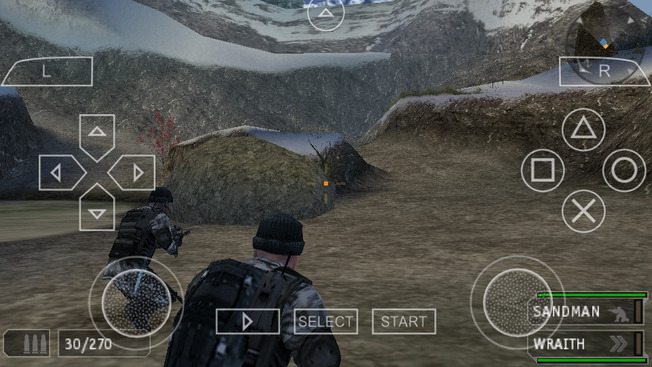
Supported version: UCUS-98645
- Skip intro — Skip startup intros.
- Dual analog controls — Enable right-stick support.
- Loading — Temporarily unthrottle the emulator during loading screens.
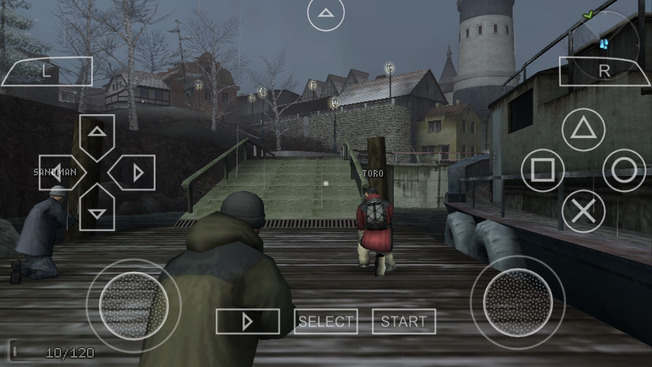
Supported version: Any (tested on UCUS-98716)
- Skip intro — Skip startup intros.
- Dual analog controls — Enable right-stick support.
- Loading — Temporarily unthrottle the emulator during loading screens.
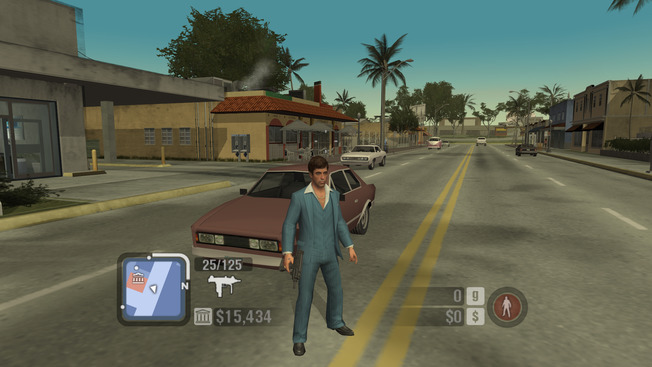
Supported exe version: Any
- Mouse look — Correct mouse look behavior.
- Gamepad — Support controllers through Xidi.
- Gamepad controls — Use triggers to brake/accelerate and aim/shoot.
- Controller prompts — Switch keyboard labels and controller icons with the last input; prompts and controls-menu binding names follow the active Xidi profile, including changes while a dialog is open. Choose Xbox, PlayStation, Switch, Steam Deck or Steam Controller artwork.
- Weapon selection — Scroll through weapons with the mouse wheel.
- Windowed mode — Use native borderless windows at the selected resolution or desktop resolution.
- Widescreen HUD — Reposition HUD elements and notifications for a chosen aspect ratio; use Auto for the screen aspect or retain the original 4:3 placement.
- Skip intro — Skip the legal/license screen, intro movies, and press-to-start screen.
- Background startup — Fix the input-acquisition loop that can hang the game when it launches without focus.
- High framerates — Correct the animation update's minimum frame delta, rage depletion rate, and mortar up-force decay.
- Weapon recoil — Correct the horizontal recoil maximum, which originally reads the minimum value.
- Vehicle camera — Customize the delay before automatic recentering (3 seconds by default), preserving right-mouse-button aim hold.
- Character blood — Optionally restore PS2-style character blood effects using the game's joint damage and blood texture.
- Console gamma — Apply a custom gamma curve similar to GTA IV on Xbox 360.
- Antialiasing — Enable SMAA post-processing antialiasing; it does not work with MSAA.
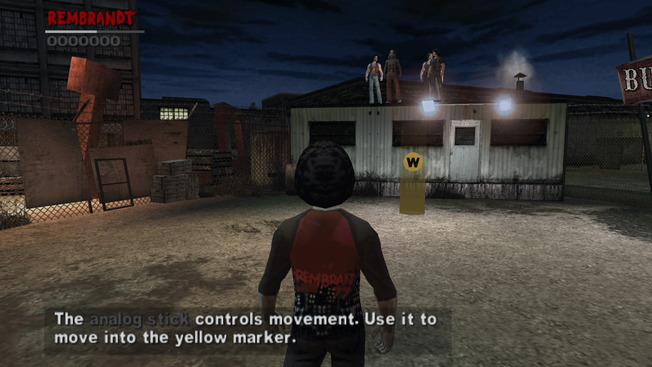
- Ultrawide — Support ultrawide display ratios with PPSSPP 1.14 and above.
- Skip intro — Skip startup intros.
- Dual analog controls — Enable right-stick support.
- 60 FPS — Optional 60 FPS mode.
- Aspect ratio — Override the aspect ratio;
autouses 16:9 instead of the original 16:10. - Loading — Temporarily unthrottle the emulator during loading screens.
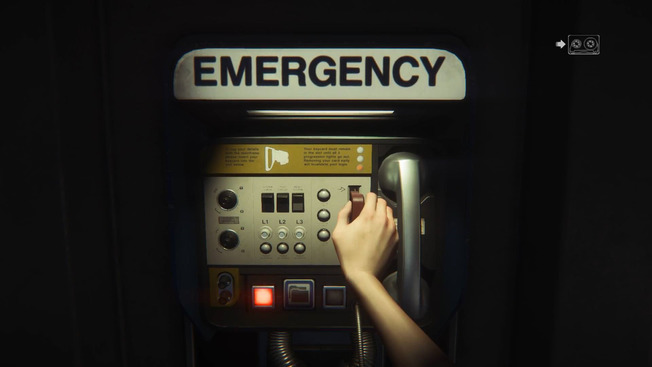
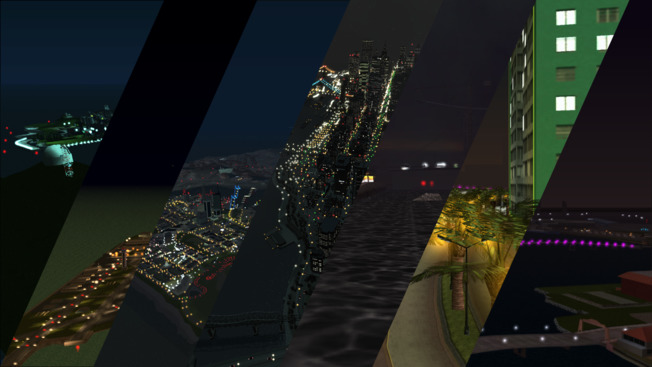
Project2DFX is a set of plugins for GTA III, Vice City, San Andreas, Liberty City Stories, Vice City Stories and GTA IV: The Complete Edition which adds LOD corona effect to a game map, making LOD-world look a lot better. It also includes an open source Limit Adjuster to enhance and improve certain game limits.
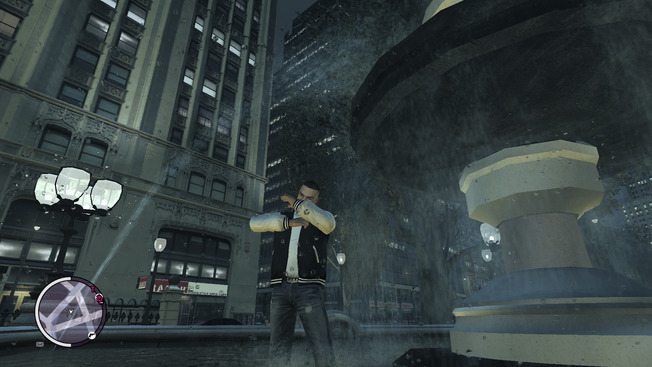
Enhanced implementation of xbox rain droplets from SkyGFX for other games. Various ini settings allow to customize the appearance and can be edited while in game.
